Pikvee
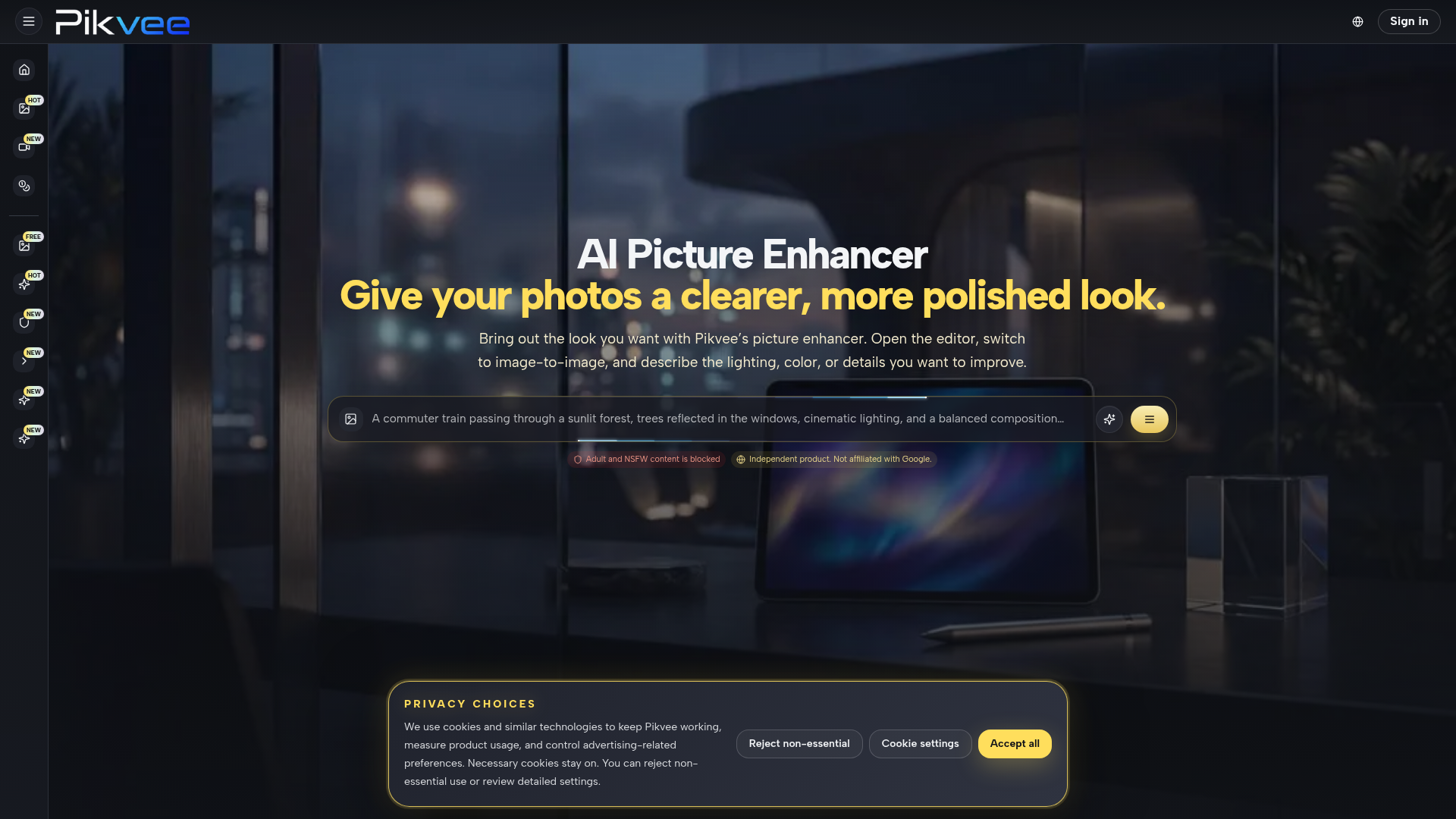
Explore Pikvee’s AI picture enhancer to edit photo lighting, colors, and details. Upload a reference in image-to-image mode and describe the changes you want.
Pikvee at a Glance
- How you use it
- Web-based editor
- Who it's for
- People editing portraits, product photos, social media images, presentations, and other everyday photos
Pikvee Key Features
- AI photo enhancement
- Image-to-image editing
- Model selection
- Resolution options
- Text-to-image generation
Can't Find What You're Looking For?
We build custom AI agents tailored to your specific business needs. From ideation to deployment, TinyAI.Tools is your partner in AI innovation.
No commitment required. Let's discuss your ideas.
Pikvee Alternatives
ClipLumi
Use ClipLumi AI Photo Editor to edit photos online with prompts. Upload photos, add reference images, control models, and refine visuals with free credits.

Prompt Image
Create AI images from text prompts or reference photos. Explore image prompts, generate product visuals, and refine images in one creative workspace.
AI Image Editor Free
Free AI image editor with GPT Image 2 and Nano Banana. Edit photos, generate images from text — free credits on sign-up.
Enhance My Photo
Use our AI photo enhancer online for portraits, products and everyday pictures. Compare detail with your original and try eligible free credits.

GPT Image 2.5
Use GPT Image 2.5 to create an image from a description or edit a photo. Swap backgrounds, replace objects, adjust lighting, or change the image's style.
pixelmax
The free AI photo editor online. Remove background from photo, enhance images with AI image enhancer, restore old photos, relight portraits, style transfer, and 20+ AI tools — all in your browser.