
GPT Image 2.5
Use GPT Image 2.5 to create an image from a description or edit a photo. Swap backgrounds, replace objects, adjust lighting, or change the image's style.
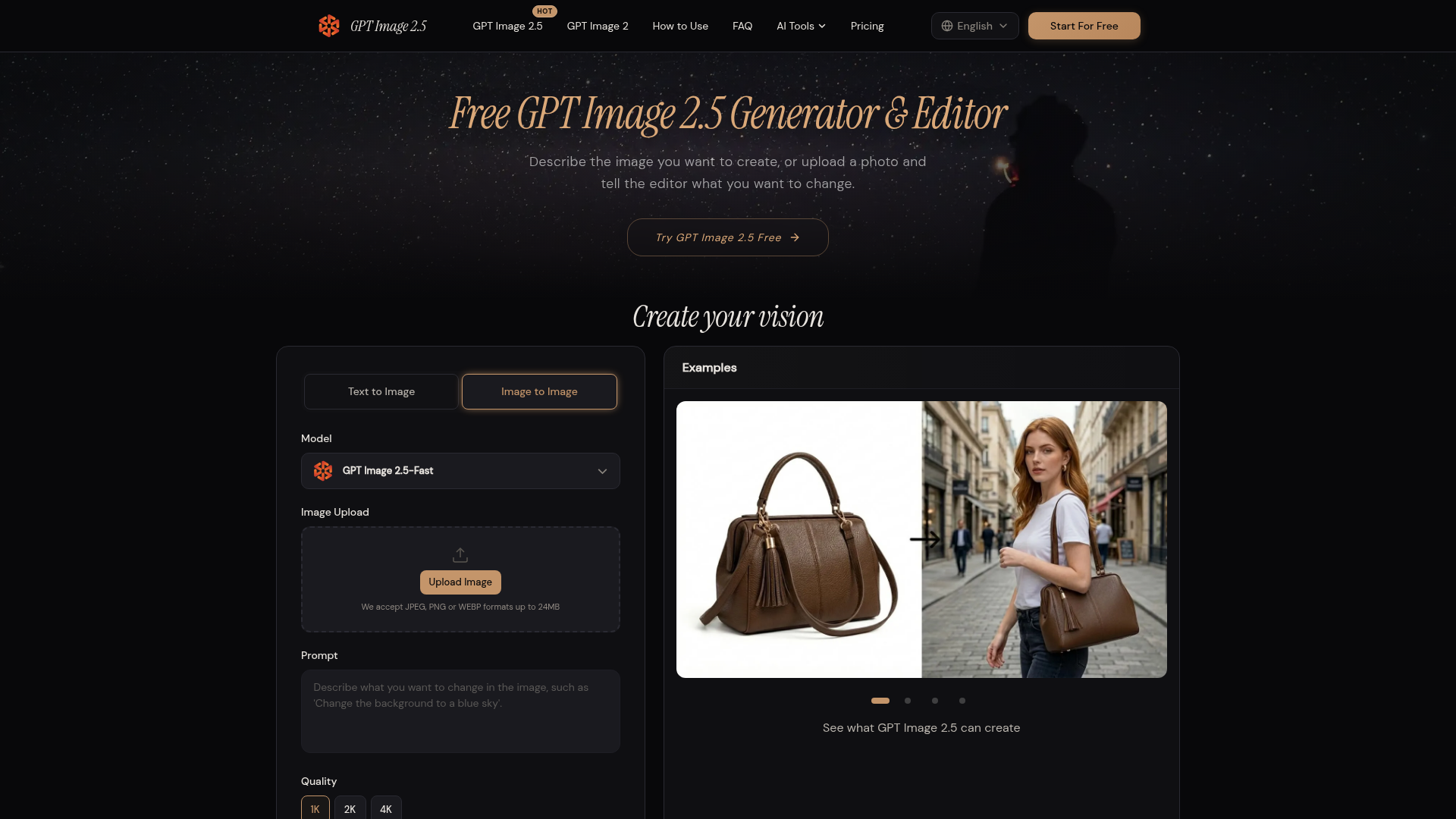
GPT Image 2.5 at a Glance
- Pricing
- Free
- How you use it
- Web app
- Who it's for
- People creating or editing images for creative projects
GPT Image 2.5 Key Features
- background replacement
- image restyling
- image text editing
- photo editing
- text-to-image generation
Can't Find What You're Looking For?
We build custom AI agents tailored to your specific business needs. From ideation to deployment, TinyAI.Tools is your partner in AI innovation.
No commitment required. Let's discuss your ideas.
GPT Image 2.5 Alternatives
Imagvio AI
Free AI image editor with Imagvio AI: type a prompt to remove objects, change backgrounds, swap outfits and keep faces unchanged. Start your first edit now.
ChatGPT Images
Create and edit images online with GPT Image 2: upload a photo and describe the change, or generate from text. 2 free images a day, no sign-up needed.
AI Image Editor Free
Free AI image editor with GPT Image 2 and Nano Banana. Edit photos, generate images from text — free credits on sign-up.
EditTextInImage
Edit text in a photo, poster or screenshot online with AI. Replace existing words and review the result. Sign up for one free 1K text edit.
Wan-Animate
Replace any character in your videos with AI. Upload character image and reference video, get professional-quality results instantly.

ViNano AI
ViNano AI is an AI image editing platform and AI photo editor: upload a photo, describe the change in one sentence, then turn the result into a video.