
BrowserSkill
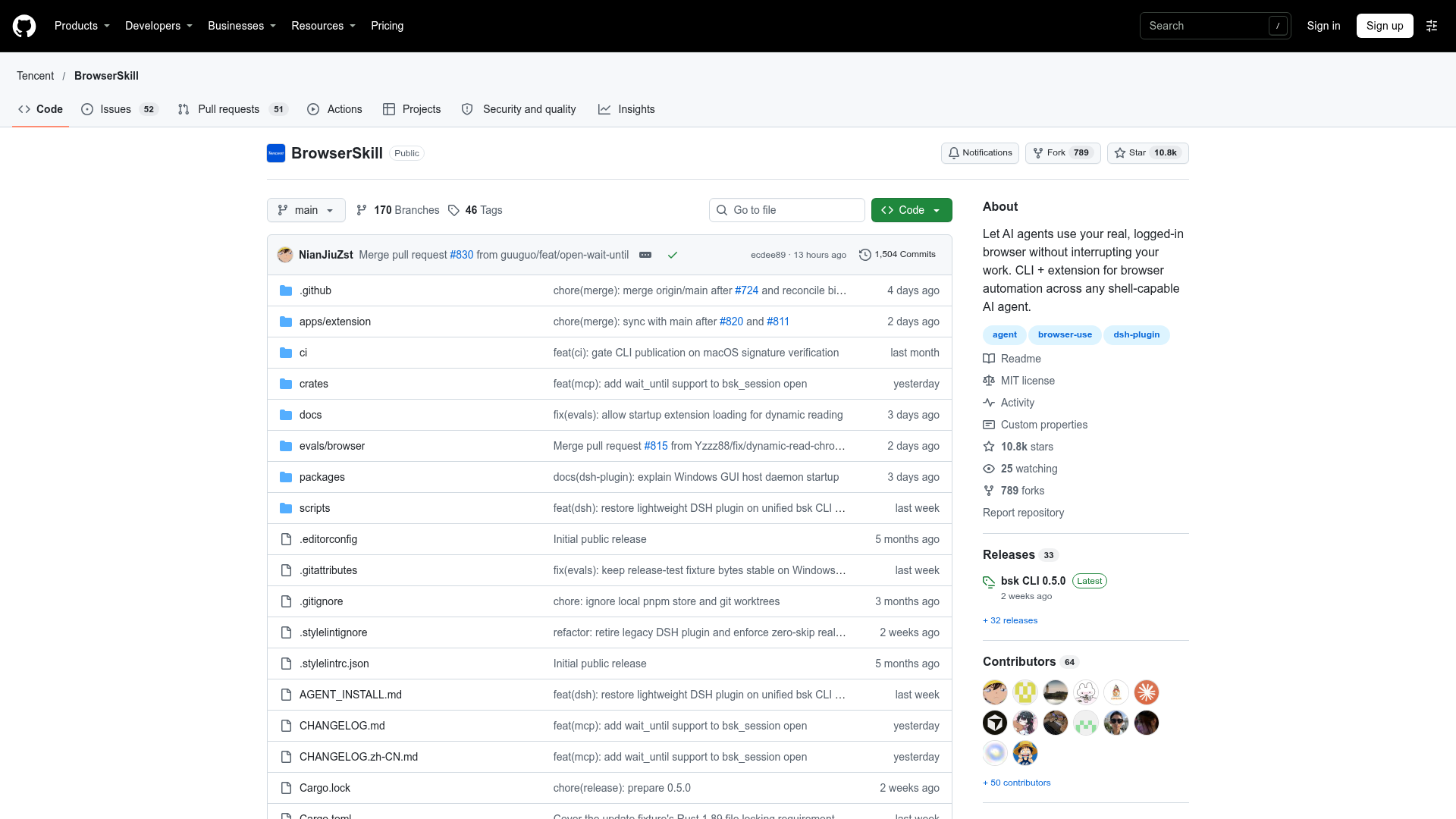
Let AI agents use your real, logged-in browser without interrupting your work. CLI + extension for browser automation across any shell-capable AI agent. - Tencent/BrowserSkill
BrowserSkill at a Glance
- Pricing
- Free
- How you use it
- CLI and browser extension; also supports MCP clients
- Who it's for
- Users of shell-capable or MCP-capable AI agents
- Works with
- Chrome Microsoft Edge Codex Claude Code Cursor OpenClaw
BrowserSkill Key Features
- Browser automation
- Capture screenshots
- Extract structured data
- Fill forms
- Read and click pages
Can't Find What You're Looking For?
We build custom AI agents tailored to your specific business needs. From ideation to deployment, TinyAI.Tools is your partner in AI innovation.
No commitment required. Let's discuss your ideas.
BrowserSkill Alternatives
Browser Relay
Let AI agents share your everyday, logged-in Chrome through a Skill + CLI — locally or across multiple machines. - reliefeai/browser-relay
open-web-bridge
Drive your real Chrome from any AI agent — logged-in sessions, real fingerprint, live tabs. CLI-based, works with OpenCode, Pi, or any Harness. - woniu9524/open-web-bridge
Clawbrowser
Give Claude, Codex, Gemini, and your own AI agents a real browser for research, data collection, website testing, and persistent logged-in workflows.

Gologin Cloud Browser
Real Chromium in the cloud for AI agents and automation. One line connects Playwright or Puppeteer, and profiles stay logged in between runs. Free API key.
byob
Bring Your Own Browser — let your AI agent use the Chrome you already have open - wxtsky/byob

Nanobrowser
Nanobrowser is a free, open-source AI agent for Chrome and Edge. Tell it what you need and it clicks, types and reads web pages in your own logged-in browser. Use OpenAI, Anthropic, Gemini, DeepSeek, OpenRouter or a local model.