
byob
Bring Your Own Browser — let your AI agent use the Chrome you already have open - wxtsky/byob
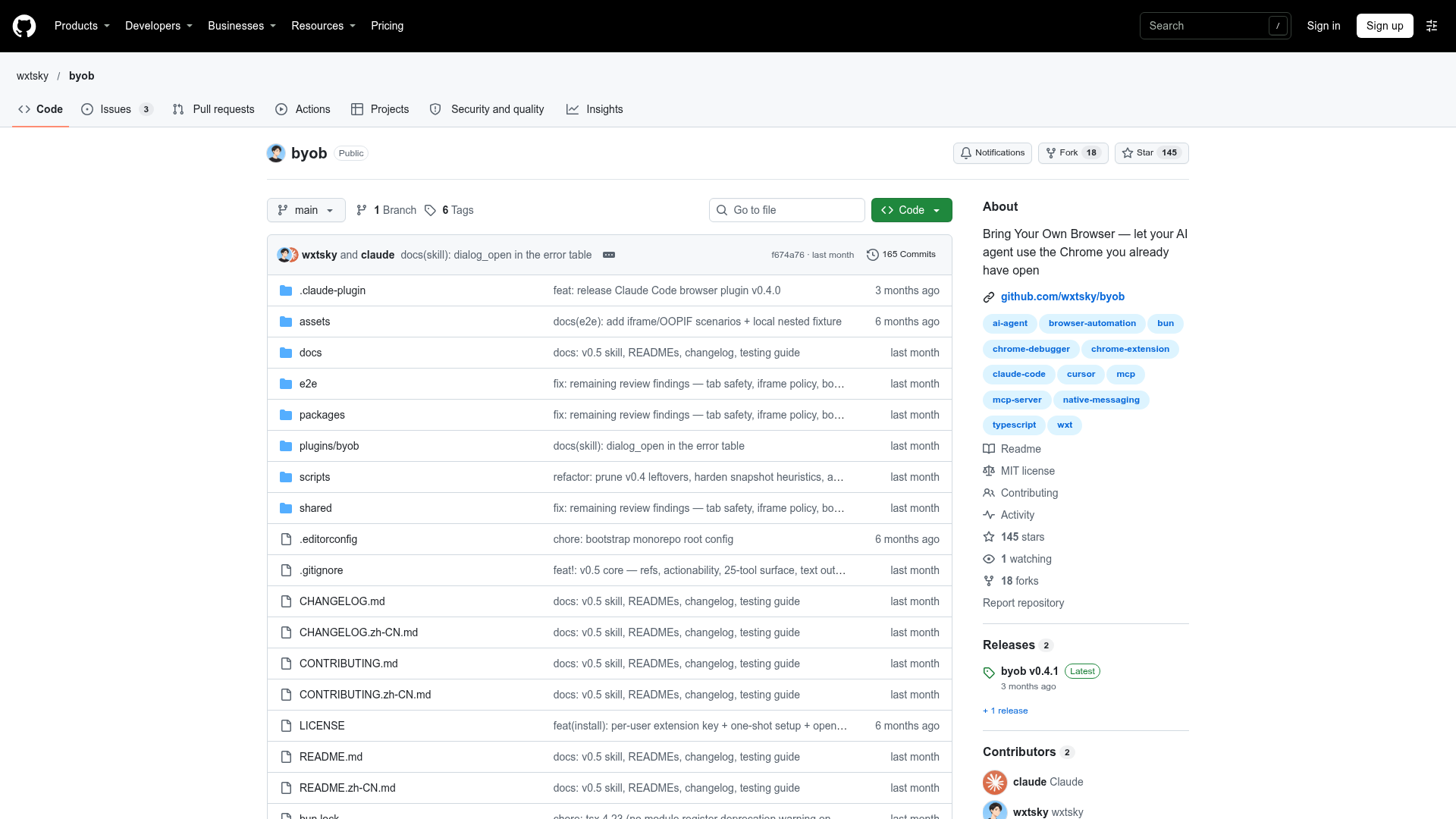
byob at a Glance
- Pricing
- Free
- How you use it
- Local MCP server with a Chrome extension
- Who it's for
- Users of AI coding tools that need to control their Chrome browser
- Works with
- Claude Code Cursor Cline Windsurf Codex CLI
byob Key Features
- Browser interaction
- Chrome browser control
- Local MCP server
- Page reading and snapshots
Can't Find What You're Looking For?
We build custom AI agents tailored to your specific business needs. From ideation to deployment, TinyAI.Tools is your partner in AI innovation.
No commitment required. Let's discuss your ideas.
byob Alternatives
Hermes Connector
Chrome browser extension for Hermes Agent — exact sessions, user-selected tabs, and local-first browser control. - CorsenAI/hermes-connector

Nanobrowser
Nanobrowser is a free, open-source AI agent for Chrome and Edge. Tell it what you need and it clicks, types and reads web pages in your own logged-in browser. Use OpenAI, Anthropic, Gemini, DeepSeek, OpenRouter or a local model.
A5-Browser-Use
Your commands control the browser - made easy | Chrome Extension and RESTful API for Browser-Use - AgenticA5/A5-Browser-Use
Raydo Agent OS
Let agents move work forward while you control delivery. Raydo connects browsers, files, tools and approvals in one local-first desktop workspace.
SourceWeft
Bring your knowledge, files, and tools together in SourceWeft. Let AI agents research, plan, and create, then review and refine the results in one workspace.

OpenCode
OpenCode - The open source coding agent.