browser-debugger-cli
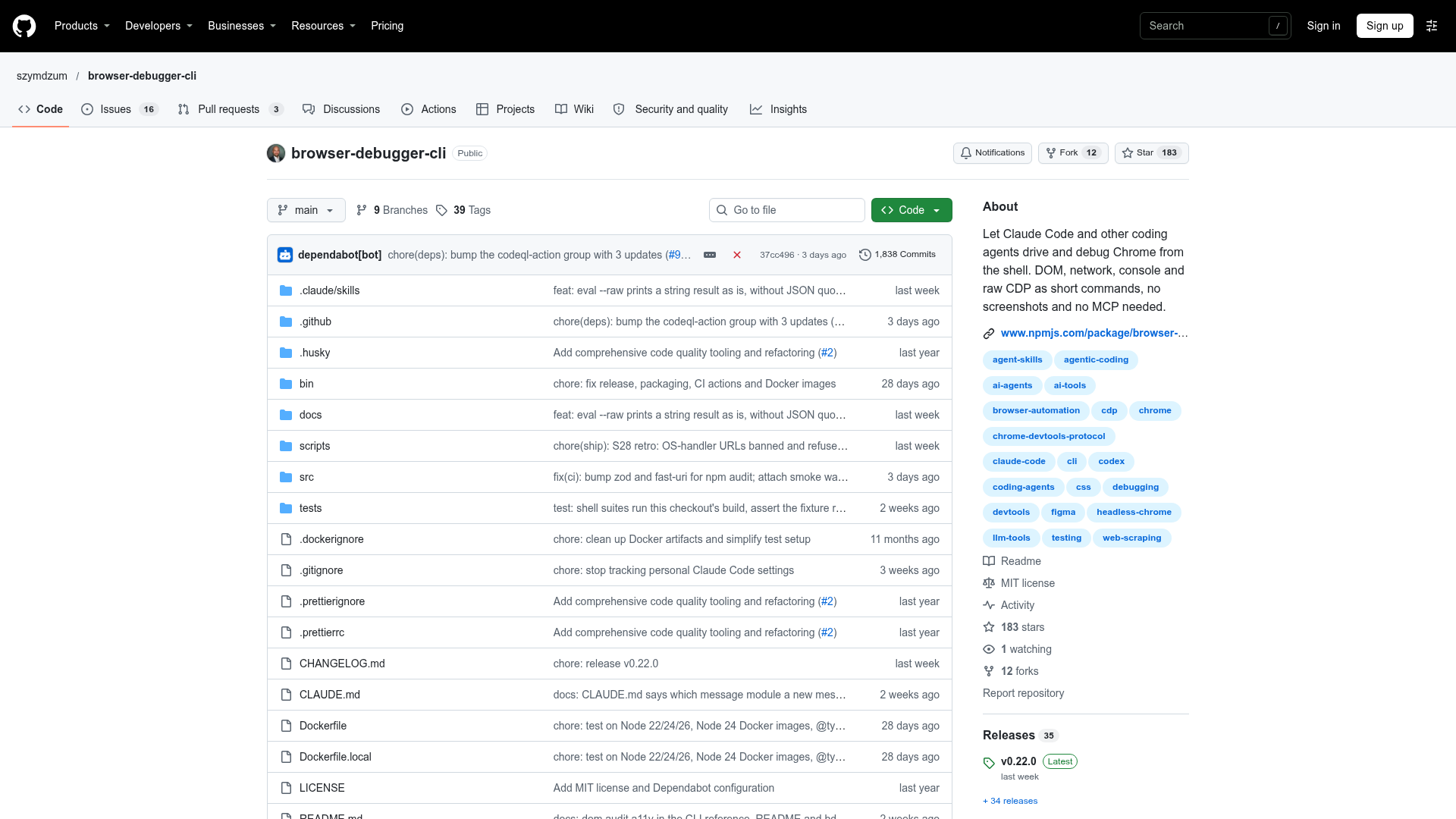
Let Claude Code and other coding agents drive and debug Chrome from the shell. DOM, network, console and raw CDP as short commands, no screenshots and no MCP needed. - szymdzum/browser-debugger-cli
browser-debugger-cli at a Glance
- How you use it
- CLI
- Who it's for
- Claude Code and other coding agents
- Works with
- Claude Code
browser-debugger-cli Key Features
- Chrome debugging
- Console access
- DOM inspection
- Network inspection
- Raw CDP commands
Can't Find What You're Looking For?
We build custom AI agents tailored to your specific business needs. From ideation to deployment, TinyAI.Tools is your partner in AI innovation.
No commitment required. Let's discuss your ideas.
browser-debugger-cli Alternatives
wkdomains
wkdomains is an open source Together browser where humans browse normally while Codex, Claude Code, and other LLMs can inspect the live DOM, screenshots, network activity, and page state.
doma
The open-source of DomA, an AI automation agent for the browser. - dom-actions/doma
Long Horizon
Your coding agent writes the feature — let it test it too. Long Horizon runs real browser tests and produces shareable execution reports with logs, screenshots, and network detail for confident feature delivery.
byob
Bring Your Own Browser — let your AI agent use the Chrome you already have open - wxtsky/byob
wmux
The ADE for AI agents. Run Claude Code, Codex, Gemini or any CLI side by side on Windows and macOS, let them drive a real browser, and answer them from your iPhone.
oc
oc distills web pages into a compact text view with numbered actions, so agents like Claude Code browse in tokens, not pages. 45× fewer tokens than raw HTML.