tlbx
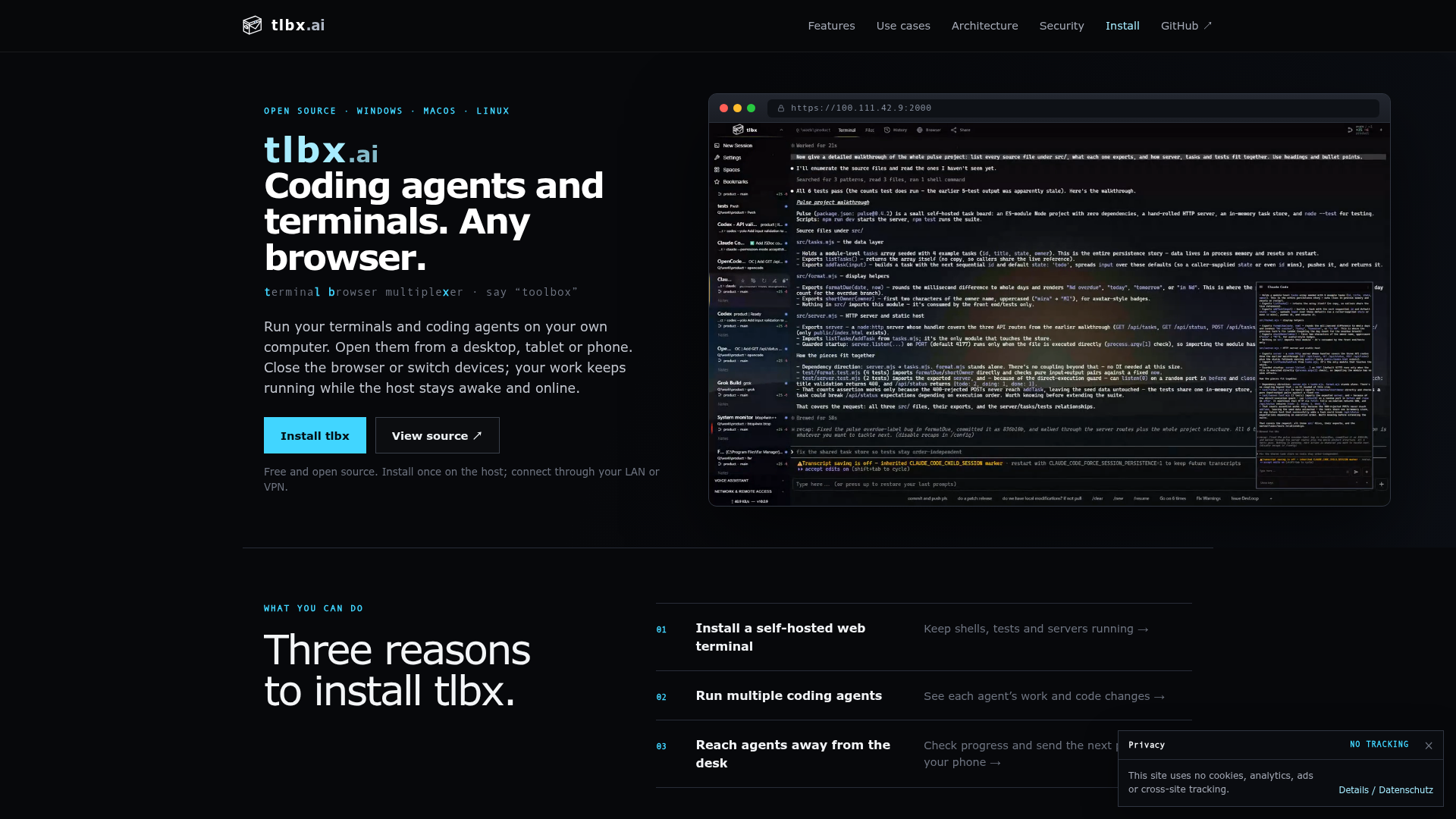
Use your terminals and coding agents from any browser. Keep work running on your own Windows, macOS or Linux machine, then reconnect from desktop or phone.
tlbx at a Glance
- Pricing
- Free
- How you use it
- Install on a Windows, macOS or Linux host and access it through a browser
- Who it's for
- People using terminals and coding agents on their own computers
- Works with
- Tailscale
tlbx Key Features
- Browser-based terminal access
- Code and Git review
- Dev browser inspection
- Multiple coding agent sessions
- Remote session access
Can't Find What You're Looking For?
We build custom AI agents tailored to your specific business needs. From ideation to deployment, TinyAI.Tools is your partner in AI innovation.
No commitment required. Let's discuss your ideas.
tlbx Alternatives
PI-Desktop
A modular desktop workspace for AI agents
neoism
A local-first agent framework and native workspace for code, terminals, notes, and multiplayer. Free, open source, and available for macOS, Windows, and Linux.
cindy
All your devices. One Cindy. Connect your computers and phone, access tasks, files and models, and take over with remote desktop. Charts and interactive answers, with no server to deploy.
Koala
Run AI agents and other Linux workloads, each in its own lightweight virtual machine, on your Mac or on a Linux machine.

local-operator
Local Operator is a free, open-source desktop app with AI agents that write and run code to do real work on your computer. macOS, Windows, and Linux.

Pane
Run Claude Code, Codex, Aider, or any CLI coding agent in parallel. Pane is an open-source agent manager for Windows, macOS, and Linux.