
skillshare
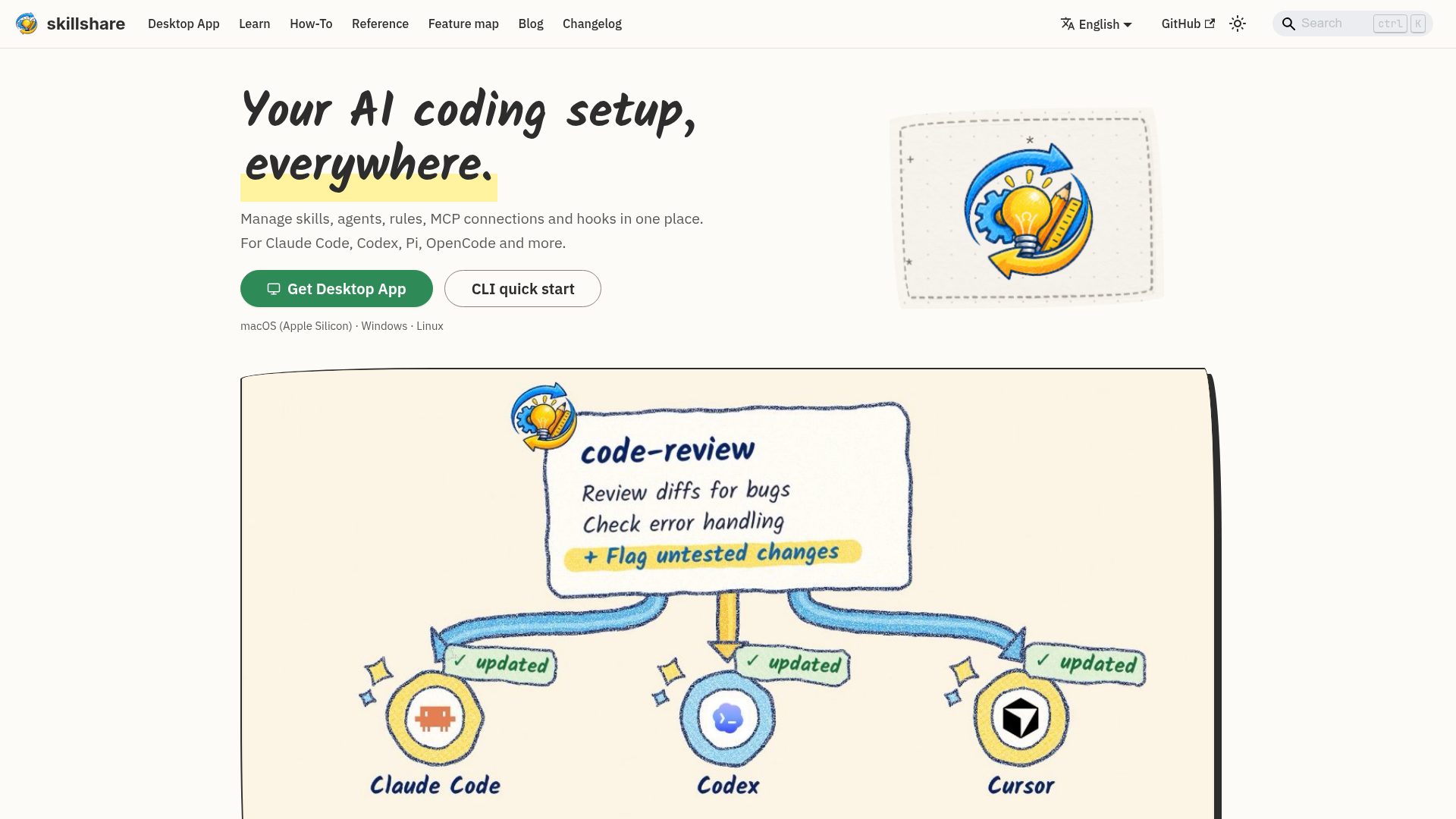
Your AI coding setup, everywhere. Manage skills, agents, rules, MCP connections and hooks in one place, with the desktop app or CLI.
skillshare at a Glance
- Pricing
- Free
- How you use it
- Desktop app or CLI
- Who it's for
- People managing AI coding tools and their setups
- Works with
- Claude Code Pi Codex GitHub GitLab
skillshare Key Features
- Audit skill installs
- Manage MCP connections
- Manage coding skills
- Share team setups
- Sync agent setup
Can't Find What You're Looking For?
We build custom AI agents tailored to your specific business needs. From ideation to deployment, TinyAI.Tools is your partner in AI innovation.
No commitment required. Let's discuss your ideas.
skillshare Alternatives

Contexere
The one place for the skills, keys and memory of every agent you use. Formerly OMNI. - fajarhide/contexere
CTX Fit
CTX Fit finds the cheapest AI coding setup that reliably works on your repository, then applies the winner as a reviewable change. - stevesolun/ctx
MCPJungle
One place to manage & connect to all your MCP servers - mcpjungle/MCPJungle
future-os
One AI agent, everywhere you work — terminal, desktop, mobile, and your chat apps. Rust core. - futuregene/future-os
OOMOL Connector
Connect your apps once and use them across AI agents. Share app access with your team and manage permissions in one place.

LinkedIn Skill
Install the LinkedIn skill and your AI agent can fetch profiles, search people and companies, send messages, manage connections, post, and pull analytics – all in plain language. Works with Claude Code, Codex, Cursor, and Windsurf.