
Scrawl
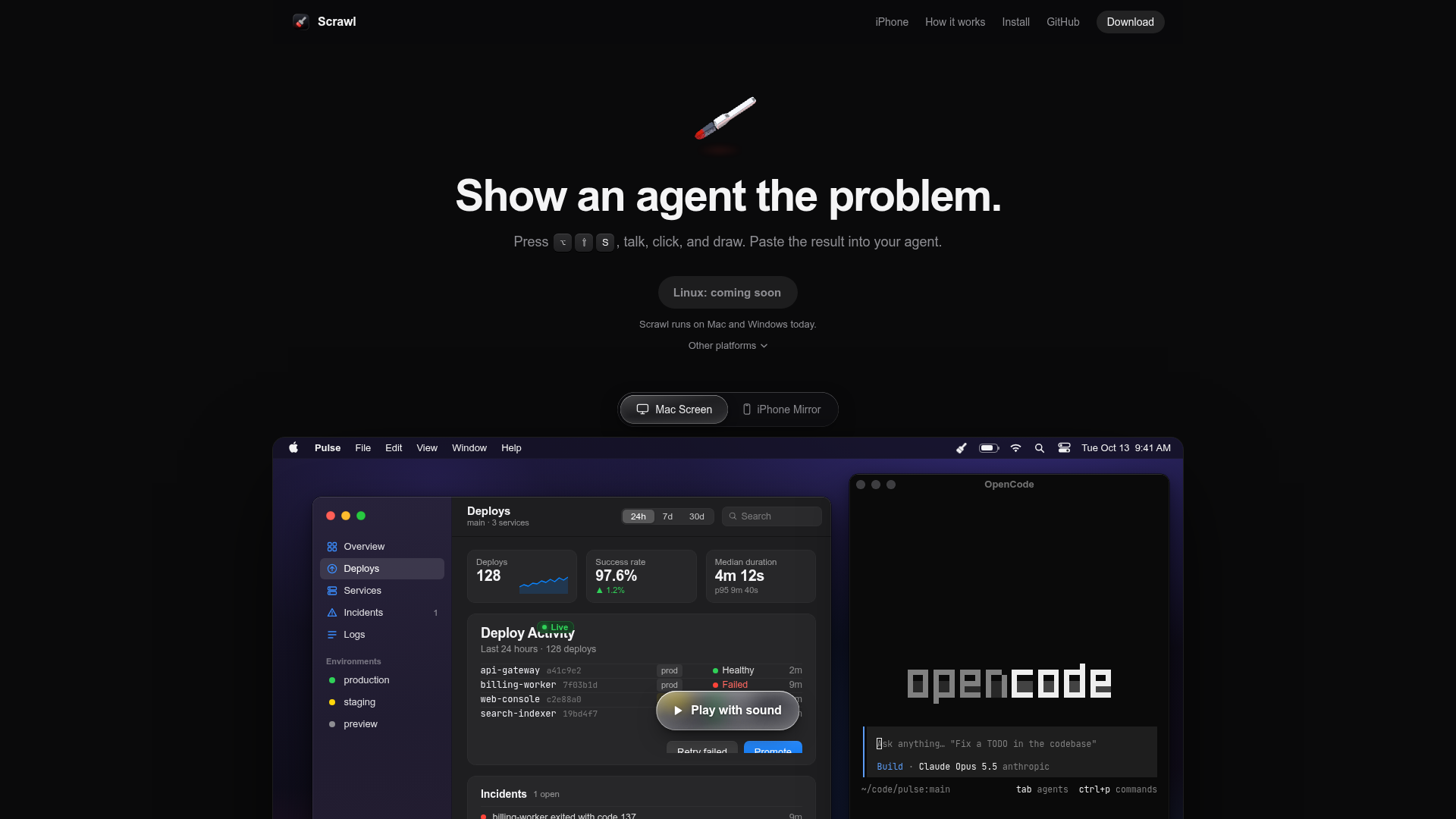
Scrawl, for Mac and Windows, shows an AI coding agent a problem. Record your screen, voice, clicks and drawings, then paste one capture into your agent.
Scrawl at a Glance
- How you use it
- Install the desktop app, capture and annotate a screen, then paste the capture into an AI coding agent.
- Who it's for
- Users of AI coding agents
Scrawl Key Features
- annotated captures
- frame inspection
- screen recording
- voice transcription
Can't Find What You're Looking For?
We build custom AI agents tailored to your specific business needs. From ideation to deployment, TinyAI.Tools is your partner in AI innovation.
No commitment required. Let's discuss your ideas.
Scrawl Alternatives
OpenCharm
OpenCharm is an open-source body for the AI agent you already run (Claude Code, Codex, Hermes Agent, OpenClaw or any ACP agent): a face, a voice and one key. At the top of your Mac or Windows screen, or on a small board you build yourself.
Loopcut
Loopcut is an open-source Blender AI agent for Mac and Windows. It shows the Python before it runs and checks its work. Free on your ChatGPT plan.
Draw Agent Studio
Create and edit drawings through conversation.

Stylo AI
Stylo is a Zendesk AI assistant inside every Zendesk ticket that understands the customer problem, finds the solution, and writes a reply for your agents to paste into the ticket.
onUI
Annotate/Draw any web UI for AI agents and export structured context, no app code changes required. - onllm-dev/onUI
MathGPT
MathGPT is a free AI math solver that shows every step. Type a problem, snap a photo, or build it with the MathGPT math keyboard. No account, no card.