omp GUI
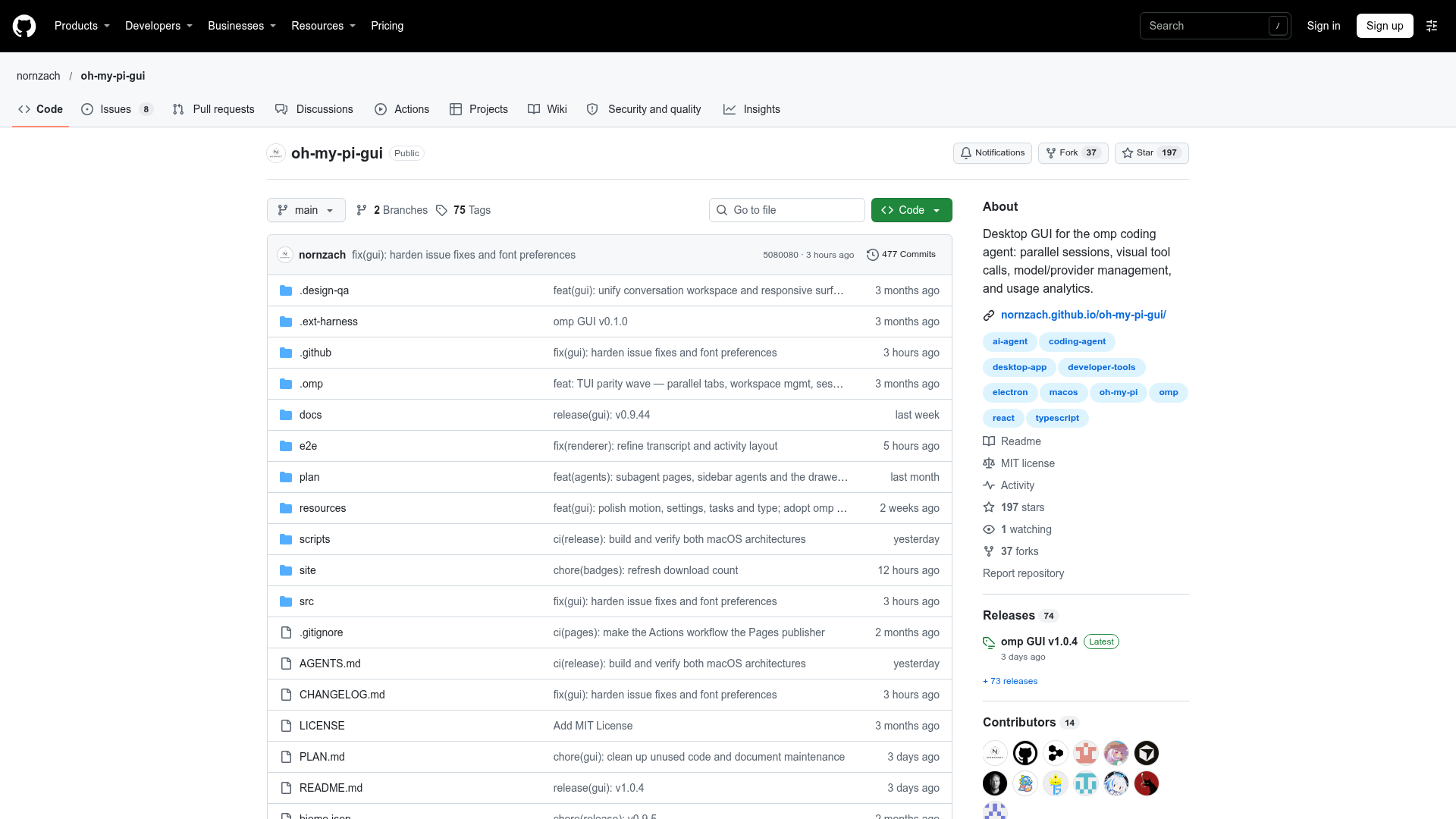
Desktop GUI for the omp coding agent: parallel sessions, visual tool calls, model/provider management, and usage analytics. - nornzach/oh-my-pi-gui
omp GUI at a Glance
- Pricing
- Free
- How you use it
- Desktop app
- Who it's for
- People working with coding agents
- Works with
- Git MCP Claude Codex
omp GUI Key Features
- Browse and edit project files
- Inspect tool calls
- Manage models and providers
- Parallel coding sessions
- Run scheduled tasks
Can't Find What You're Looking For?
We build custom AI agents tailored to your specific business needs. From ideation to deployment, TinyAI.Tools is your partner in AI innovation.
No commitment required. Let's discuss your ideas.
omp GUI Alternatives
harness-remote
Native-session control plane for Codex, Claude Code, OpenCode, OMP and PI. Run, resume and hand off coding sessions across your machines. - giuliastro/harness-remote
Sesori
One app for Claude Code, Codex, OpenCode, GitHub Copilot, Cursor, Pi, OMP, Hermes, DeepSeek, and Grok Build on your computer and your phone. Your code stays local.
MonoCode
A GUI for your coding agents. Contribute to hardbeat920/monocode development by creating an account on GitHub.
pi-agent-dashboard
Open-source, self-hosted dashboard for the pi coding agent. Watch sessions live, answer prompts, run agents in parallel and take over from your phone.
Bello
3x more usage on your coding agent, same quality. Have an multi-agent setup in mind? Bello already supports it. Mix models, run agents in parallel, have them check each other’s work, and reduce unnecessary model calls and noisy tool output. Turn on o

PinkCollab
Android client for Oh My Pi (OMP). Trigger or continue OMP sessions remotely. Swipe to switch between sessions smoothly and quickly.