
Mercury CLI
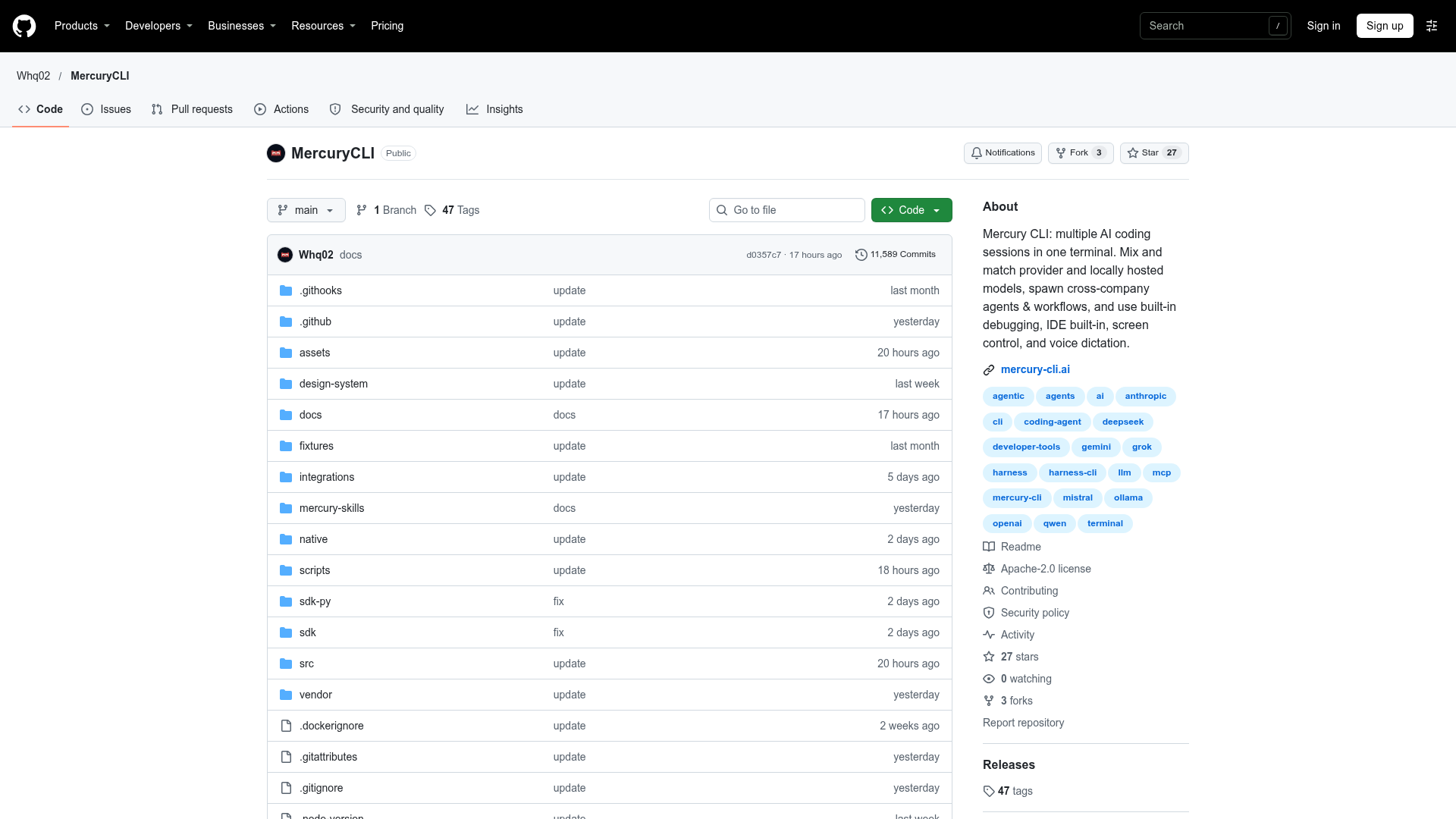
Mercury CLI: multiple AI coding sessions in one terminal. Mix and match provider and locally hosted models, spawn cross-company agents & workflows, and use built-in debugging, IDE built-in, screen control, and voice dictation. - Whq02/MercuryCLI
Mercury CLI at a Glance
- Pricing
- Free
- How you use it
- Terminal CLI
- Who it's for
- Developers working in Git repositories
- Works with
- VS Code Ollama LM Studio vLLM llama.cpp
Mercury CLI Key Features
- AI coding agent
- Code editing and testing
- Desktop control
- Parallel coding sessions
- Project memory
Can't Find What You're Looking For?
We build custom AI agents tailored to your specific business needs. From ideation to deployment, TinyAI.Tools is your partner in AI innovation.
No commitment required. Let's discuss your ideas.
Mercury CLI Alternatives

OpenCode
OpenCode - The open source coding agent.
pi-go
A terminal-based coding agent built on Google ADK Go with multi-provider LLM support, sandboxed tools, and Memory Palace.
openclaw-command-center
🤖 AI assistant command and control dashboard — Spawn more Overlords! - jontsai/openclaw-command-center
villani-code
Some tools help. Some tools assist. Villani Code intervenes. - mmprotest/villani-code

Globus Agent
Globus.ai is a full AI Agent ATS for staffing and recruitment agencies. AI agents source, screen, match and fill shifts 24/7. You stay in control.
Voidleap Code
Voidleap Code is a desktop IDE for building software with AI agents, built for professional developers and AI engineers. It runs on your computer with your own provider accounts or a local model. Every prompt, tool call, and file change is visible.