
Hanzi Browse
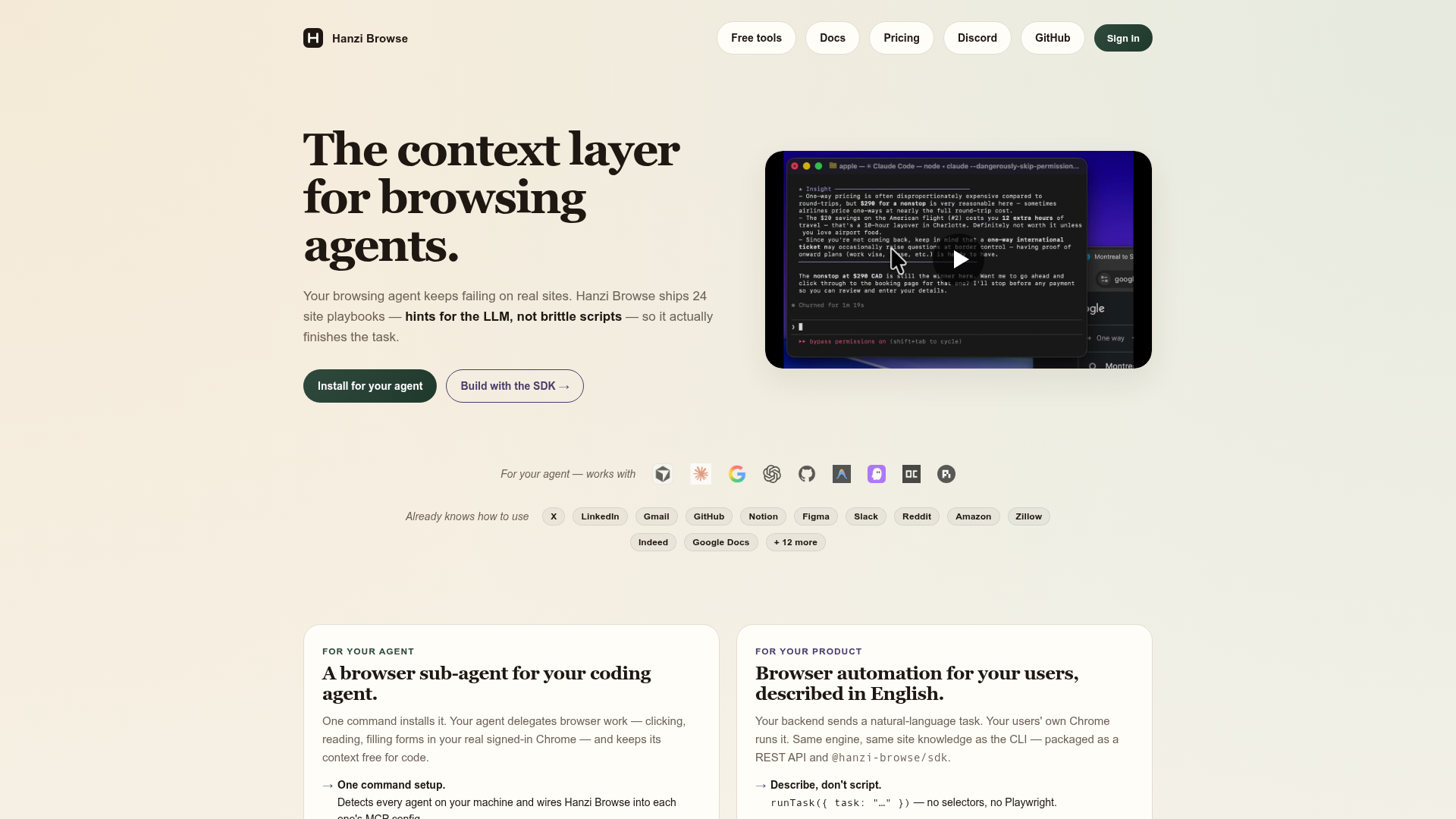
Hanzi Browse gives your AI agent (Claude Code, Cursor, Codex) a real signed-in browser. Automate browser tasks, test apps, prospect on LinkedIn. Free to start.
Hanzi Browse at a Glance
- Pricing
- Freemium
- How you use it
- CLI installer, Chrome extension, MCP server, REST API, or TypeScript SDK
- Who it's for
- People using coding agents and developers embedding browser automation in their products
- Works with
- Claude Code Cursor Gemini CLI Codex CLI VS Code Copilot Chrome
Hanzi Browse Key Features
- Browser task execution
- Browser testing
- Signed-in Chrome automation
- Site-specific playbooks
Can't Find What You're Looking For?
We build custom AI agents tailored to your specific business needs. From ideation to deployment, TinyAI.Tools is your partner in AI innovation.
No commitment required. Let's discuss your ideas.
Hanzi Browse Alternatives

Browsentic
An agentic browser harness: run Claude Code, Codex or Cursor in your real, signed-in browser from a side panel. No API key, no account. Free, Apache 2.0.
opentabs
OpenTabs gives AI agents access to any web application through your authenticated browser session. MCP server + Chrome extension + plugin SDK.
Kite
Kite is an AI design tool your agents work in: Claude, ChatGPT or Cursor design on one canvas with your team, in your design system. Free to start.
Free AI Browser Agent for Chrome and Cloud
Retriever AI is a free AI browser agent that works across the open web and sites you’re signed into, then brings back the finished result.
Browserable
Open source JS browser automation library for AI agents

LinkedIn Skill
Install the LinkedIn skill and your AI agent can fetch profiles, search people and companies, send messages, manage connections, post, and pull analytics – all in plain language. Works with Claude Code, Codex, Cursor, and Windsurf.