Flux 3 Max AI
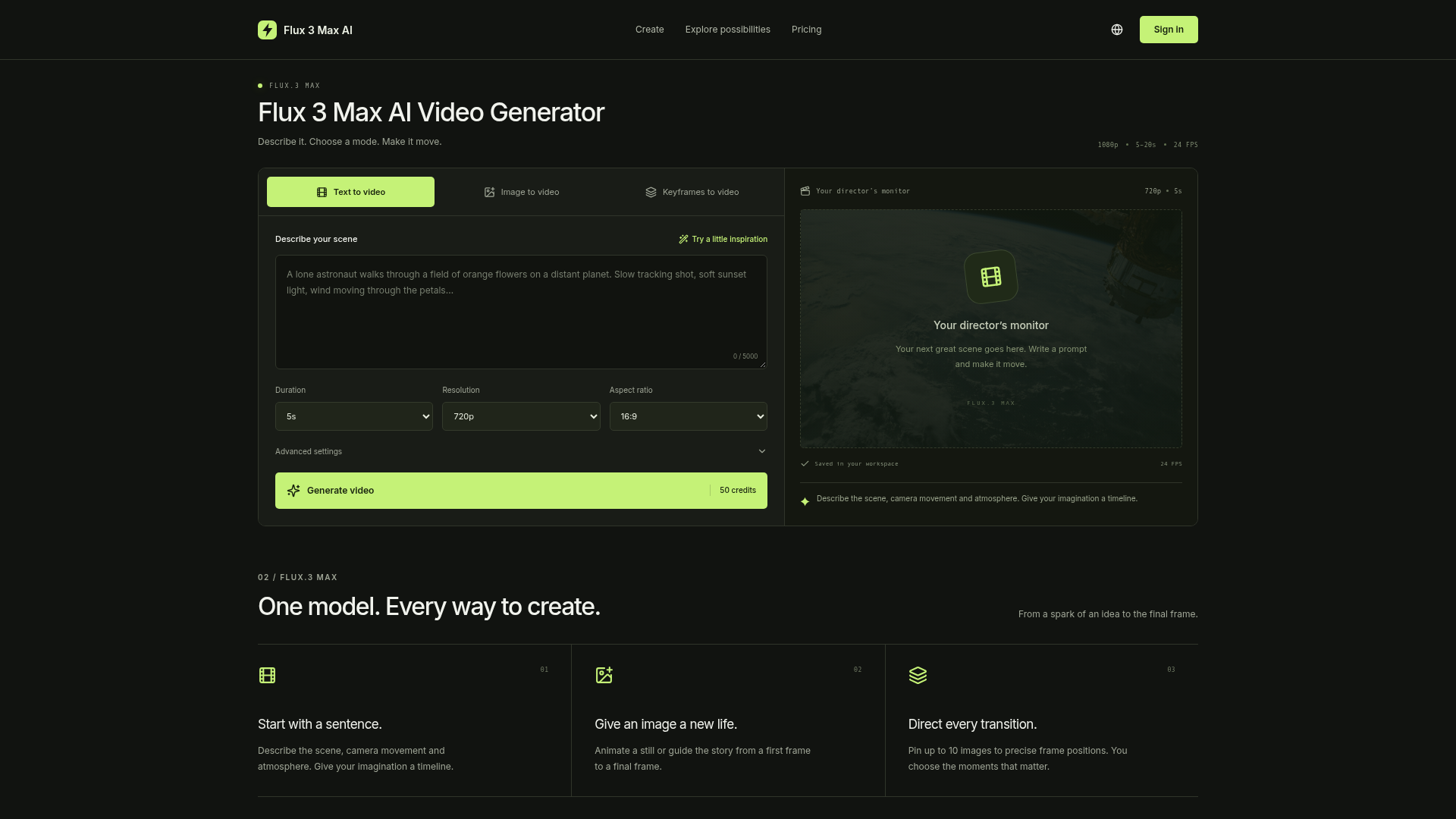
Generate AI video from text, images or keyframes with Flux 3 Max. Choose 720p or 1080p, 5–20 seconds, camera motion and optional audio in one workspace.
Flux 3 Max AI at a Glance
- How you use it
- Web app
- Works with
- fal.ai
Flux 3 Max AI Key Features
- Image-to-video generation
- Keyframe video generation
- Optional audio generation
- Text-to-video generation
Can't Find What You're Looking For?
We build custom AI agents tailored to your specific business needs. From ideation to deployment, TinyAI.Tools is your partner in AI innovation.
No commitment required. Let's discuss your ideas.
Flux 3 Max AI Alternatives
Free Flux 3 AI
Use Free Flux 3 AI to generate images, edit photos, and turn text or images into videos that include native audio. Try it now!
MiniMax H3 Max
MiniMax H3 Max: 5-second 768p clips with native audio in under 3 seconds—ranked #1 for image-to-video. Generate with MiniMax H3 Max to claim free trial credits.
H3 Max
A free AI video generator built on MiniMax H3 Max. Turn a prompt or an image into 5–15 seconds of video at up to 1080P, and up to 4K on H3. Billed per second.
Genjutsu AI
Genjutsu AI video editor: swap characters, outfits or scenes and keep the camera motion. Pro mode runs Higgsfield AI Genjutsu. From $4.99, no subscription.
Kling 4.0 AI
Create up to 30-second AI videos with Kling 4.0. Turn text, images, or Omni references into video with audio, choose supported resolutions up to 4K, and check credit costs before generating.
Veo 4 AI Video Generator
Generate stunning AI videos with Veo 4 for free. Text-to-video, audio sync & 4K quality. Try Veo 4 online — no credit card required. Start creating in seconds.