
Codex OpenPencil
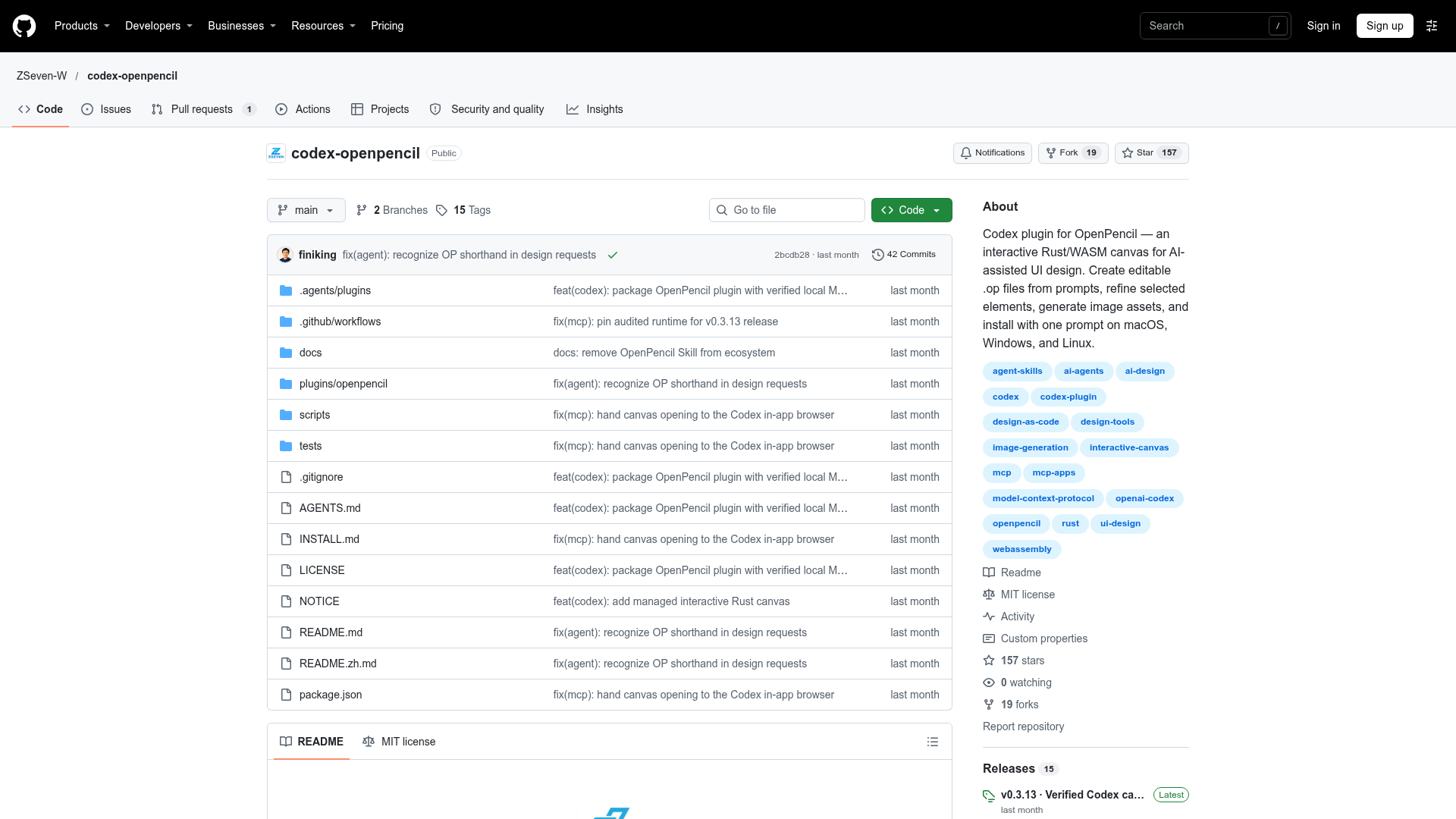
Codex plugin for OpenPencil — an interactive Rust/WASM canvas for AI-assisted UI design. Create editable .op files from prompts, refine selected elements, generate image assets, and install with one prompt on macOS, Windows, and Linux. - ZSeven-W/cod
Codex OpenPencil at a Glance
- Pricing
- Free
- How you use it
- Codex plugin
- Who it's for
- People creating and editing UI designs with Codex
- Works with
- Codex OpenPencil
Codex OpenPencil Key Features
- Editable design files
- Interactive canvas editing
- Prompt-to-canvas design
- Selection-based refinement
Can't Find What You're Looking For?
We build custom AI agents tailored to your specific business needs. From ideation to deployment, TinyAI.Tools is your partner in AI innovation.
No commitment required. Let's discuss your ideas.
Codex OpenPencil Alternatives

OpenPencil
Generate complete, multi-screen interfaces on a live canvas. Refine every layer with AI, then export your design or code.

Prompt Image
Create AI images from text prompts or reference photos. Explore image prompts, generate product visuals, and refine images in one creative workspace.

Thrixel
Create editable 3D models from text and images with Thrixel. Generate assets with intelligently named parts in the browser or with Claude Code, Codex, and Cursor.
Playyy
Playyy is an AI design agent and design tool: describe it and get visuals, presentations, documents, websites and sheets you can edit on one canvas.
Trellis 3D
Generate downloadable 3D models from images or prompts with Trellis 3D. No GPU, no setup, no 3D skills needed. Free to start.

Recto
Recto is a native AI design tool for Windows, Mac, and Linux. Design on a real canvas, work with Claude Code, Codex, Cursor or OpenCode, and bring your ideas into 3D and motion.